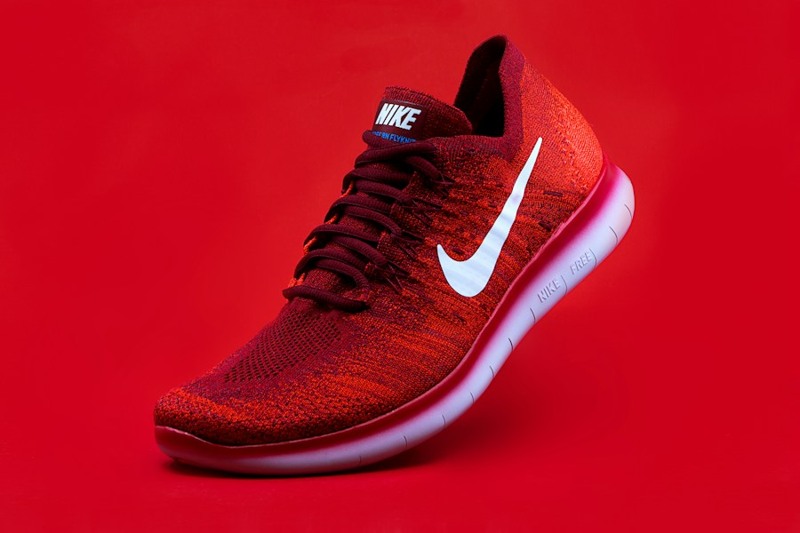
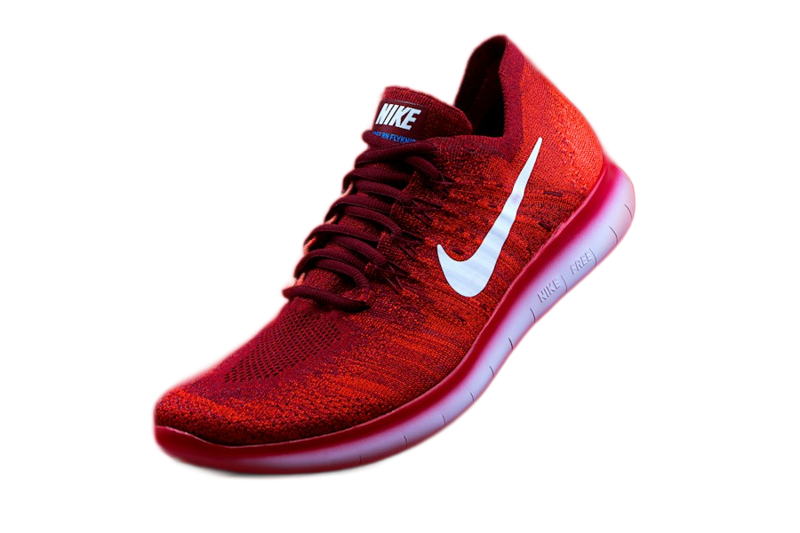
Prepare the image for cleaner edges and choose a format that preserves transparency.
EditFull practical documentation · edition reviewed: 26 October 2026
When this task helps
Photos with clear separation between the subject and background are usually easier to isolate. Hair, transparency and soft shadows need extra attention.
Worked example
A white product against a pale background has weak edge contrast. Removal can erase white parts or leave old background in small gaps.
What to check before starting
Inspect the edges over both light and dark backgrounds. To keep transparency, use a compatible format such as PNG or WebP.
Choosing the settings
Use a sharp, well-lit original. Inspect edges, hair, transparent material and spaces between parts. View the PNG on dark and light backgrounds: a checkerboard preview is only a visual transparency indicator.
Limits that affect the result
Glass, smoke, fine hair and similar foreground/background colors are difficult cases. JPEG cannot retain transparency; use PNG for a transparent cutout.
Mistake to avoid
Avoid checking the result only over a background similar to the original because small leftover areas can be hard to notice.
Illustrative example: size and quality depend on the source file.
Try an EditFull example
Use the product photo to test the cutout. The preview was created with the EditFull engine in product mode. Compare the shoe outline and the areas near the laces. The PNG keeps transparency, shown as a checkerboard in this preview.