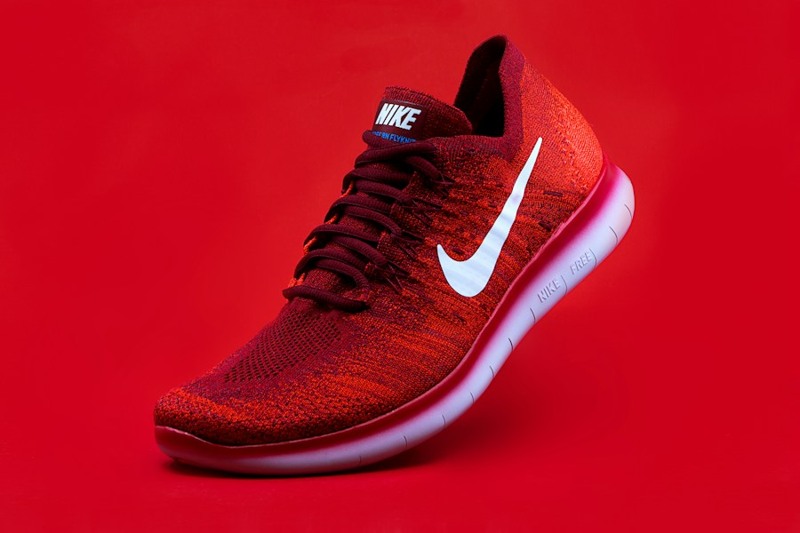
Original
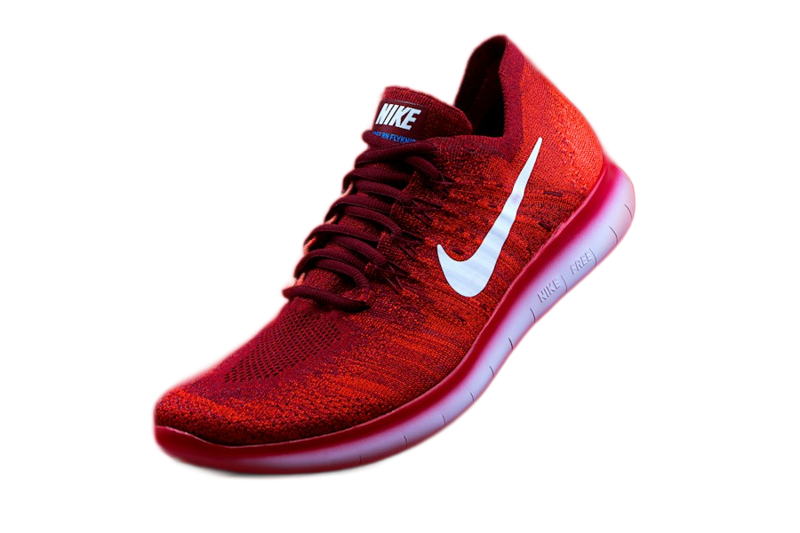
Transparent result
Background removal may use ClearBackdrop or EditFull processing servers. The final PNG is assembled in the browser.
Use the product photo to test the cutout. The preview was created with the EditFull engine in product mode. Compare the shoe outline and the areas near the laces. The PNG keeps transparency, shown as a checkerboard in this preview.Try an EditFull example
How to use
- Choose a JPG, PNG or WebP image.
- Let EditFull detect the main subject.
- Review the transparent preview and download PNG.
What this tool does
Create a transparent cutout for people, products and objects. EditFull starts with automatic detection and lets you refine difficult edges when needed.
Worked example
A white product against a pale background has weak edge contrast. Removal can erase white parts or leave old background in small gaps.
Limits that affect the result
Glass, smoke, fine hair and similar foreground/background colors are difficult cases. JPEG cannot retain transparency; use PNG for a transparent cutout.
Formats and limits
JPG, PNG, WebP and compatible formats
Very large files can take longer and depend on the memory available on the device.
Tips for a better result
- Use the original or highest-quality file available.
- Check dimensions and format before publishing.
- Keep a copy of the original.
Frequently asked questions
Does background removal work automatically?
Yes. Automatic detection runs first, and manual refinement is available for difficult images.
Is my image permanently stored?
No. Temporary processing data is discarded after the task.