Edição direta: use “Editar texto” para clicar no texto que já existe no PDF. Elementos podem ser movidos e redimensionados pelas alças azuis; dois cliques no texto abrem a edição na própria página.
The PDF opens in your browser. Editing changes the visible page; the previous text may still appear when extracting the file contents.
In this fictional document, change the date from 15/10/2026 to 18/10/2026 using Edit text. Compare the saved copy with the original. The scanned version looks the same but was saved as an image and has no selectable text.Try an EditFull example
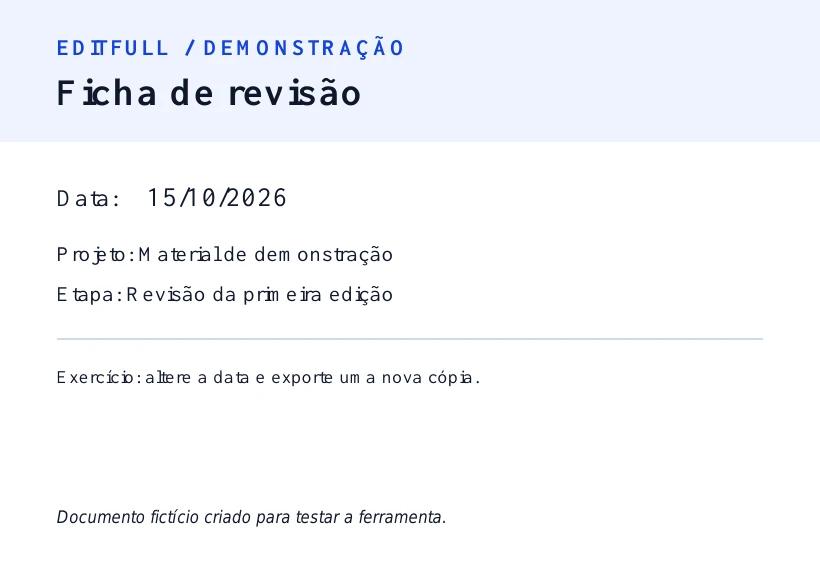
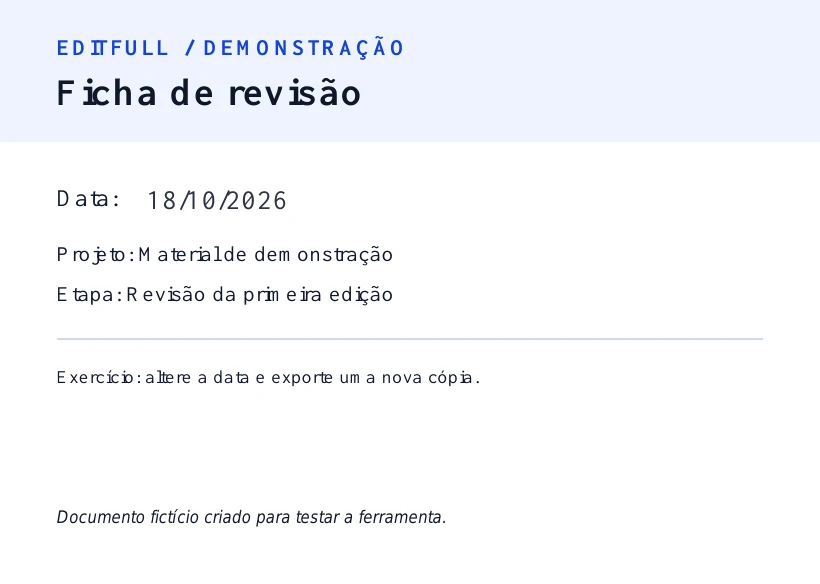
See the change in the editor
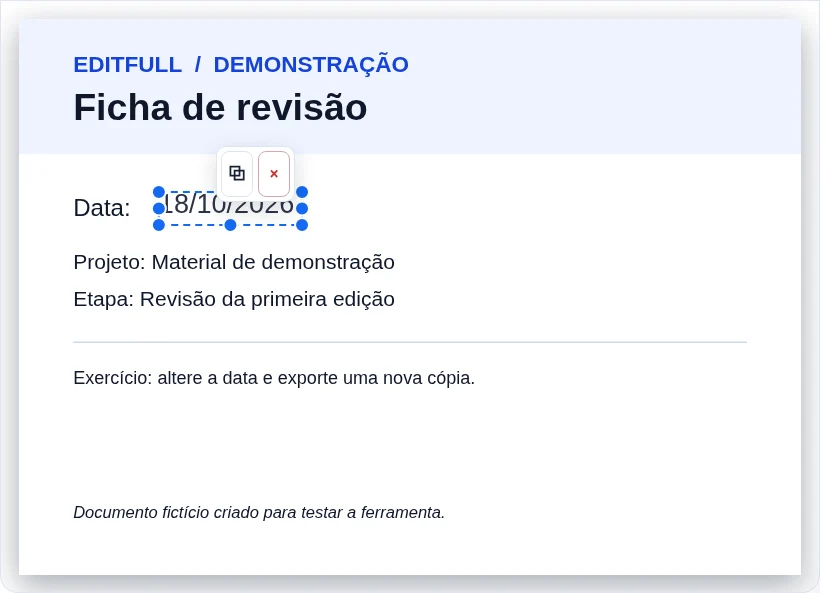
How to use
- Select a PDF and wait for it to open in the editor.
- Choose “Edit text” and double-click the existing text you want to change.
- Review the pages and download the edited PDF.
What this tool does
Click existing text in digital PDFs to correct words and sentences while keeping their visual position. You can also add text, images, drawings and highlights.
Edit text that already exists in the PDF
Use the editor for direct corrections in PDFs that contain selectable text, without rebuilding the entire document.
Useful changes you can make
- Correct a name, date, address, number or amount.
- Fix a typo or a short passage.
- Add new text, an image, drawing or highlight when needed.
In image-only scanned PDFs, original text is not clickable for direct editing. Always keep a copy of the original file.
Worked example
Changing “15/10” to “18/10” uses similar space. Replacing a short name with a much longer one can overlap adjacent words. Make one change at a time and check alignment.
Limits that affect the result
A drawn or pasted signature is not a cryptographic digital signature. Document edits may invalidate existing digital signatures.
Tips for a better result
- Keep a copy of the original PDF before editing or converting.
- Review every page of the generated file before sharing.
- Large documents can require more device memory.
Frequently asked questions
Can I edit text that is already in the PDF?
Yes, when the PDF contains selectable text. Click existing content to change it directly in the editor.
Does it work with scanned PDFs?
On image-only scanned pages, the original text is not clickable. You can still add new text, images, drawings and highlights.